9.3.6 Manage Invoices
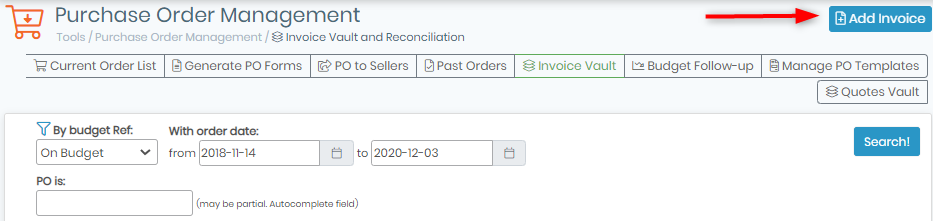
In the Purchase Order Manager, you can manage invoices through the “Invoice Vault” tool:  . This tool allows you to store invoice copies, notify real value paid, etc.
To save an invoice, you need to:
- Click on the “Add invoice” button.
- Fill out the form with your information: PO number, Seller invoice number, Invoice Date, Real invoice value (that will replace order lists amount see
 section 9.1.2) and import an invoice scan.
- Validate by clicking on the “Update” button.
Your invoice and notifications are now saved in LabCollector database and displayed in the budget follow-up tool.
If needed, you can use the search engine to find what you are looking for.