

Electronic Lab Notebook ELN
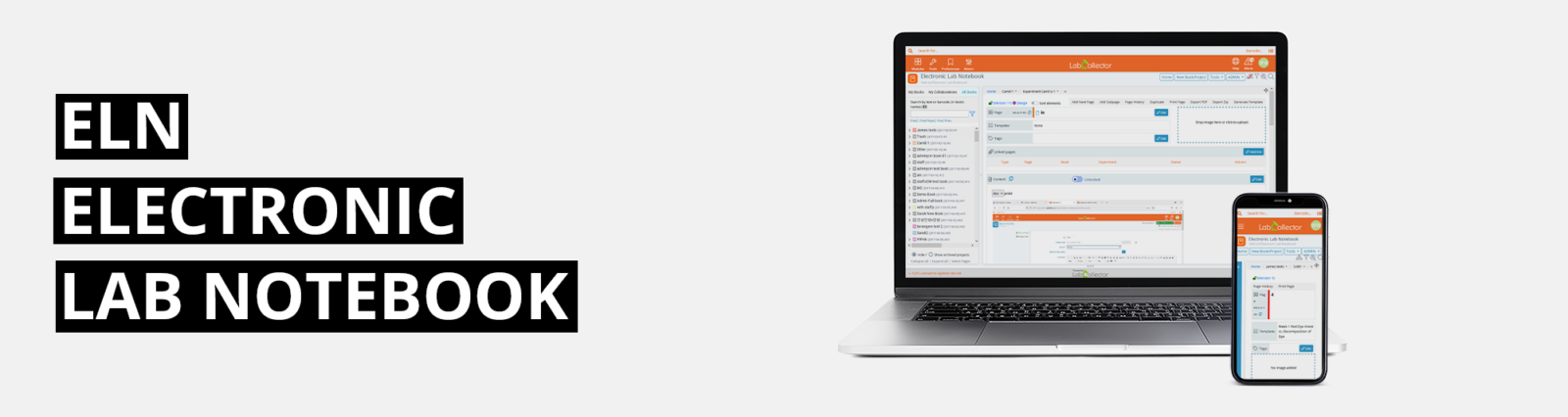

ELN
ELECTRONIC
LAB NOTEBOOK
Our electronic lab notebook is suitable for any type of laboratory:
small and large academic institutions,
start-ups or globally operating laboratories.

Talk to Your ELN. Get More Done
Illustrator AI
Create publication-ready scientific illustrations directly inside your ELN using AI or editable scientific stencils.
CoScientist
AI-powered scientific assistant available inside the LabCollector LIMS & ELN add-on.
Smart Search Agent
AI-powered smart search assistant across LabCollector, ELN & LSM.
Knowledge-base & Document Agent
AI-powered knowledge base and document assistant for faster access to research information.
Bibliography Generator
Generate and manage citations effortlessly within your ELN with automatic bibliographies
AI Audio Transcription
Convert spoken lab notes into editable text automatically.
Speech to Text
Transform your lab discussions into accurate written records.
Text Enhancer
Automatically improve clarity, grammar, and style in your notes.
A Flexible and Intuitive ELN Content Editor
Text & Table
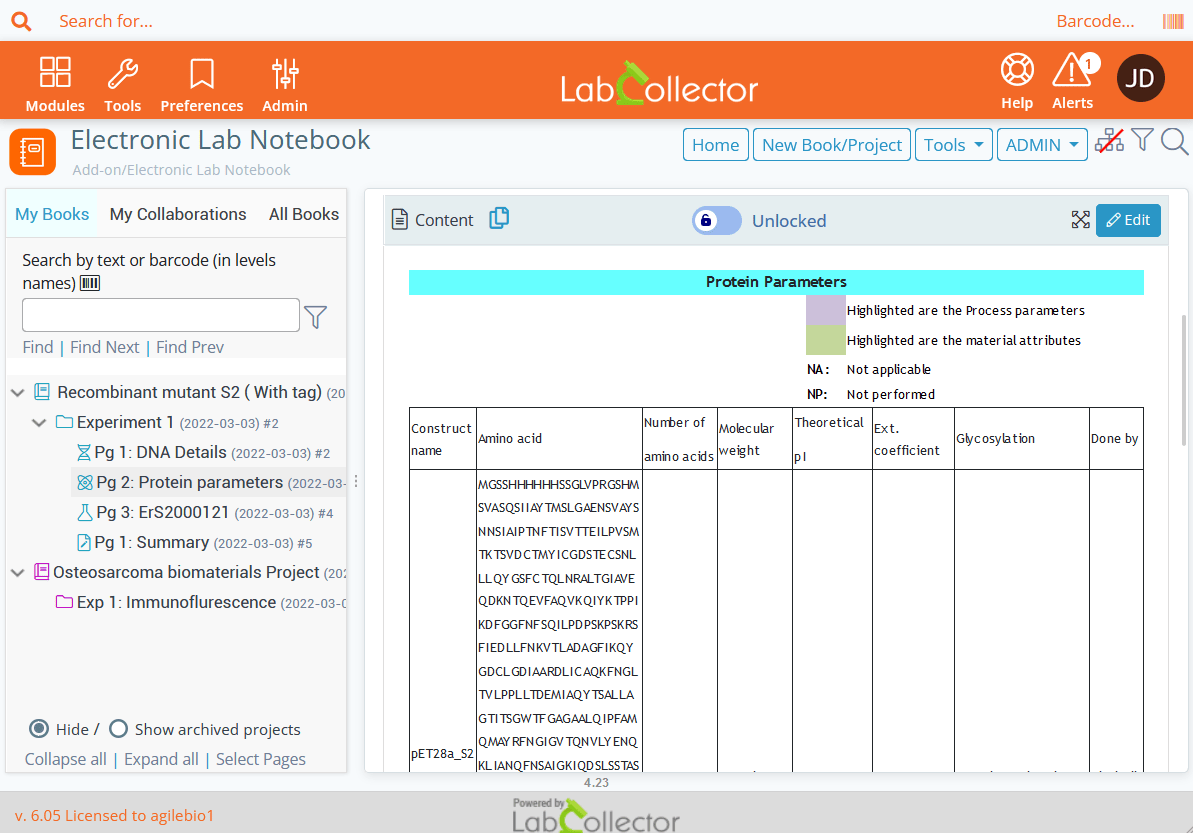
Type text like if you were on a Word document. Insert table in the text editor with all the properties you want to simply organize your data.
Knowledge base: ELN Text Editor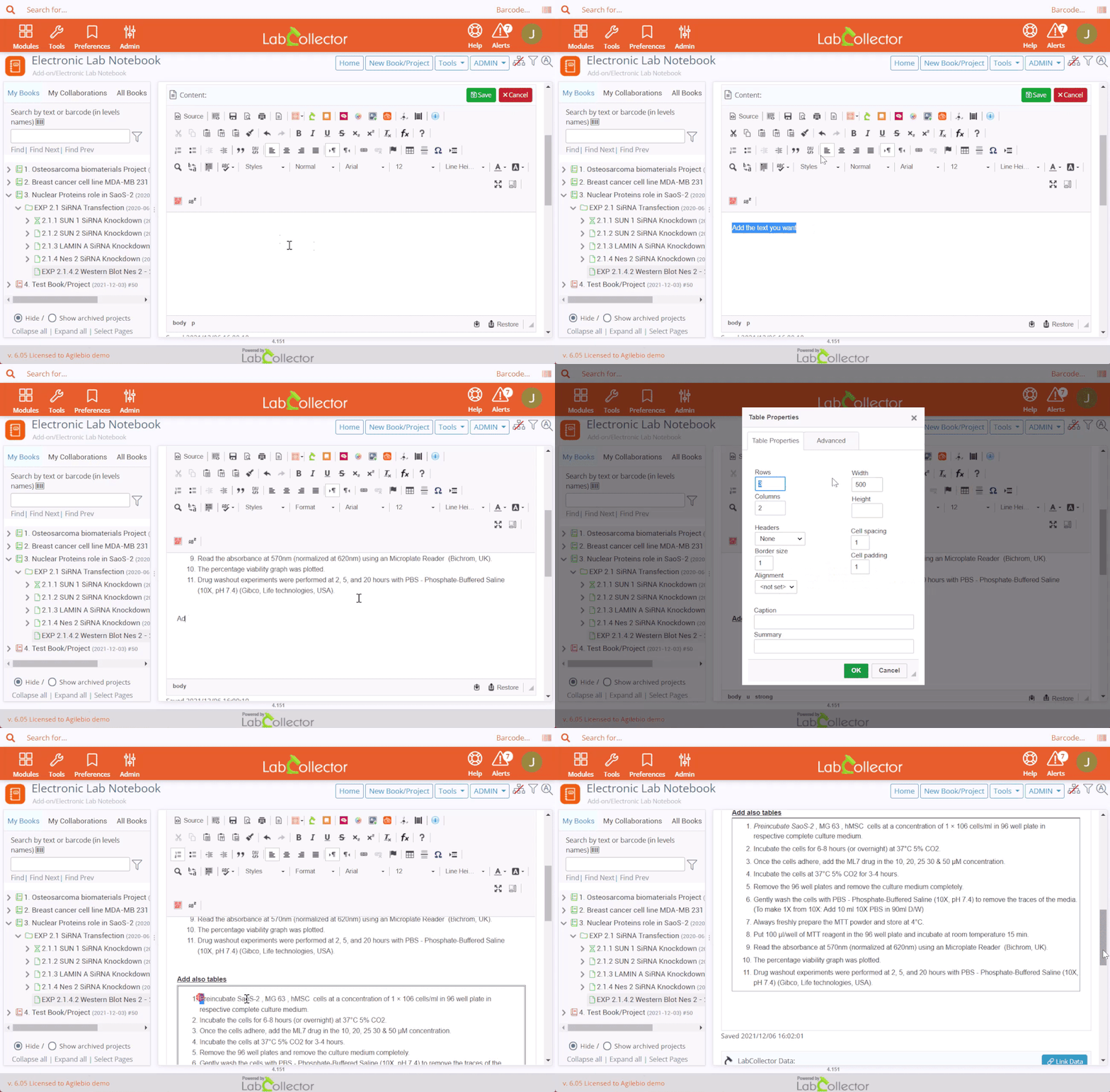
Illustrator AI
The new Illustration Editor in LabCollector ELN enables researchers to create publication-ready scientific figures without leaving their electronic lab notebook. Users can either generate illustrations from natural language prompts using AI or assemble fully editable diagrams from a library of science-specific stencils. By keeping figure creation directly within the ELN, the feature eliminates the need for external design tools, maintains the connection between illustrations and experimental data, and streamlines scientific documentation. This integrated workflow saves time while improving the clarity and quality of research communication.
- Generate publication-ready scientific illustrations from simple text prompts using AI.
- Build editable figures with a comprehensive library of science-specific stencils.
- Create and modify diagrams directly within the LabCollector ELN environment.
- Keep illustrations linked to experiments for easier documentation and traceability.
- Improve productivity by reducing reliance on external graphic design software.

Link Data
Search or add a record directly in your LabCollector data from the specific ELN section or directly in the text editor.
Knowledge base: ELN Text Editor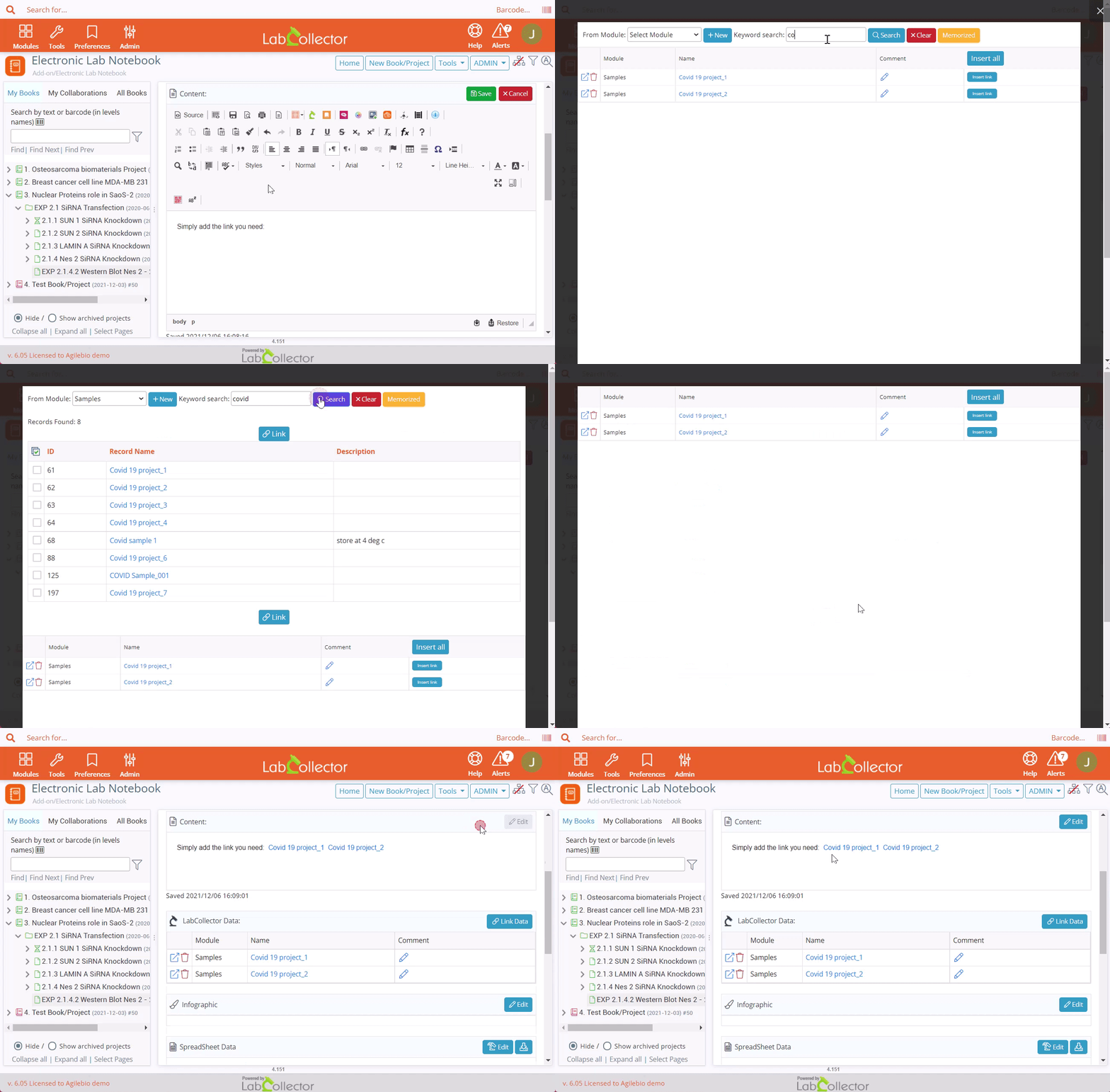
Image inserts
You have multiple options to add images in your content. You can use the Photo Editor, the Photo Bank add-on or the simple button add an image.
Knowledge base: How to use Photo Editor?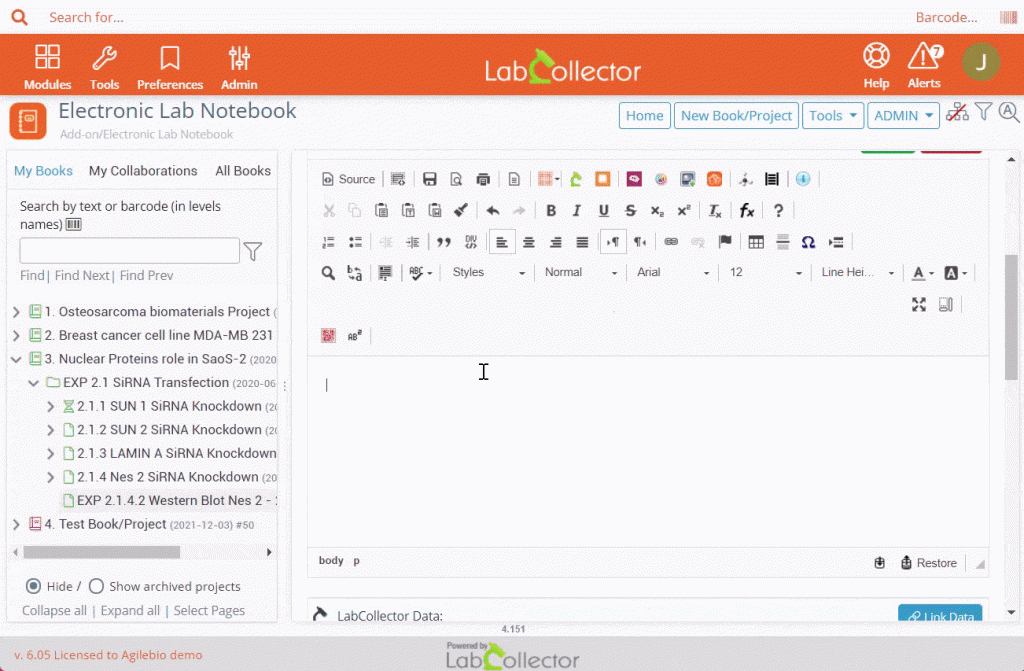
Chemistry inserts
With the ELN Chemistry plugin, users can design chemical reactions which can be integrated into book pages, reporting, and reused or changed if needed. Users can design chemical reactions by importing structures from the LabCollector Chemical Structures module.
Knowledge base: How to use Chemistry Editor?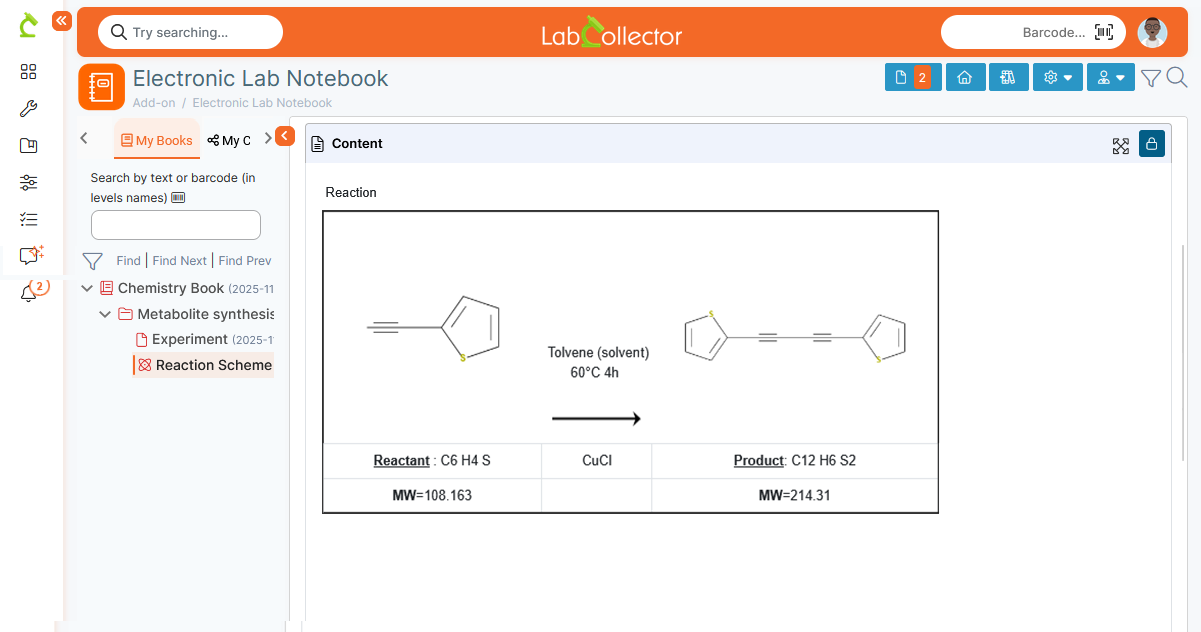
Spreadsheet
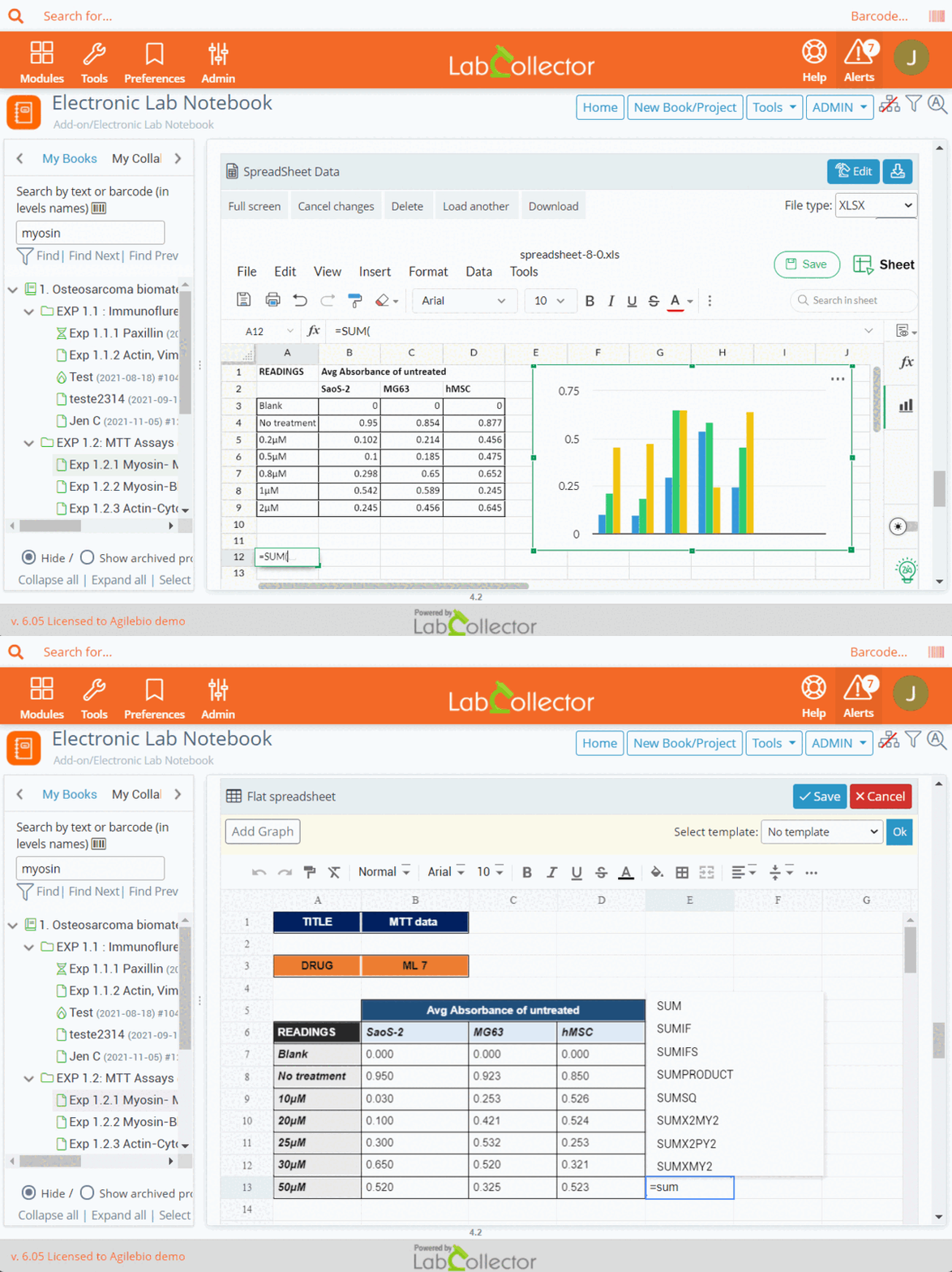
- Flat spreadsheet: This spreadsheet is a simple tool for quick calculations and basic record keeping
- Zoho Spreadsheet: Zoho spreadsheet is an Excel-friendly interface that uses Zoho Sheet to display the content. To know more about Zoho pricing check here.
Do more with ELN
Template & Workflow Management
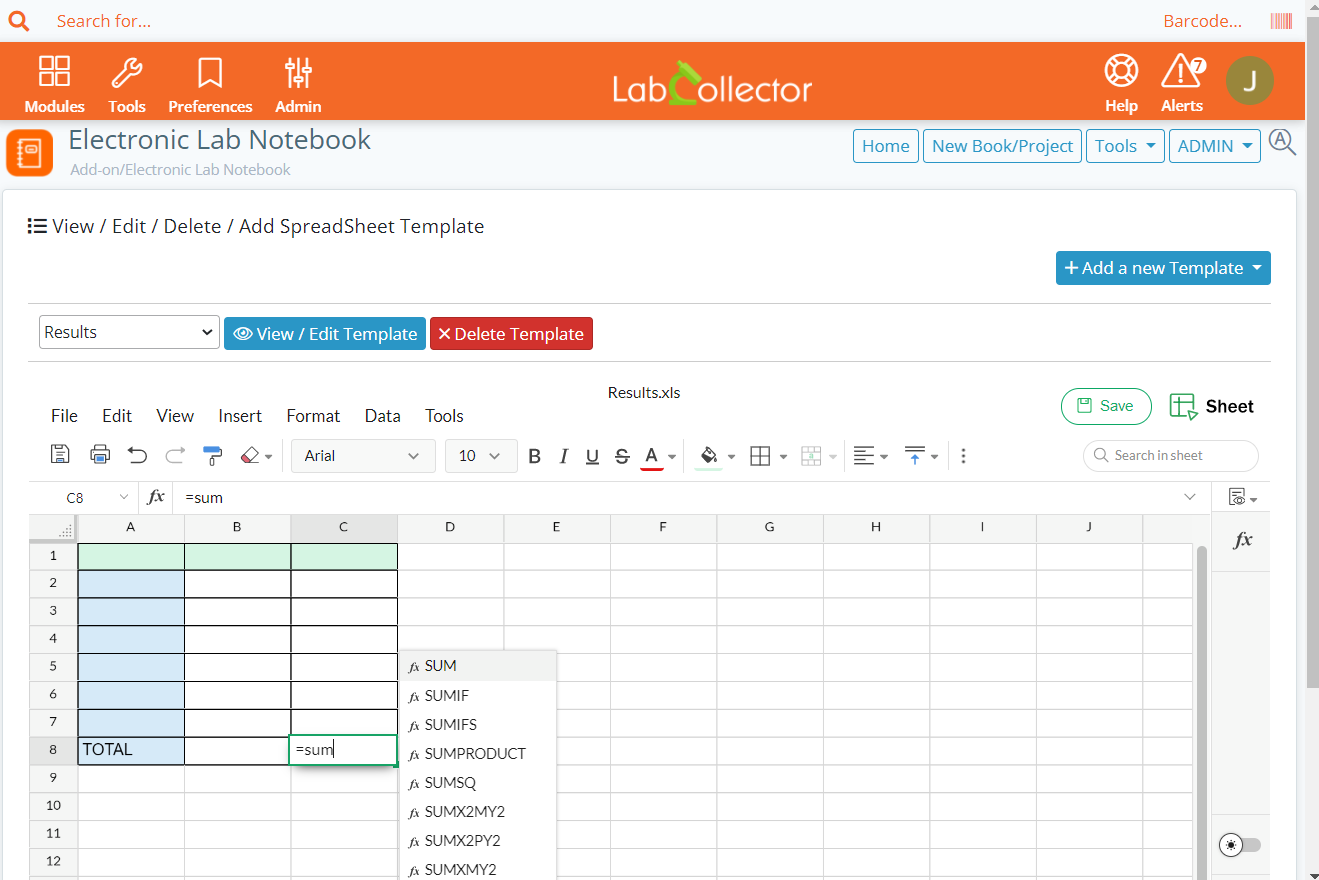
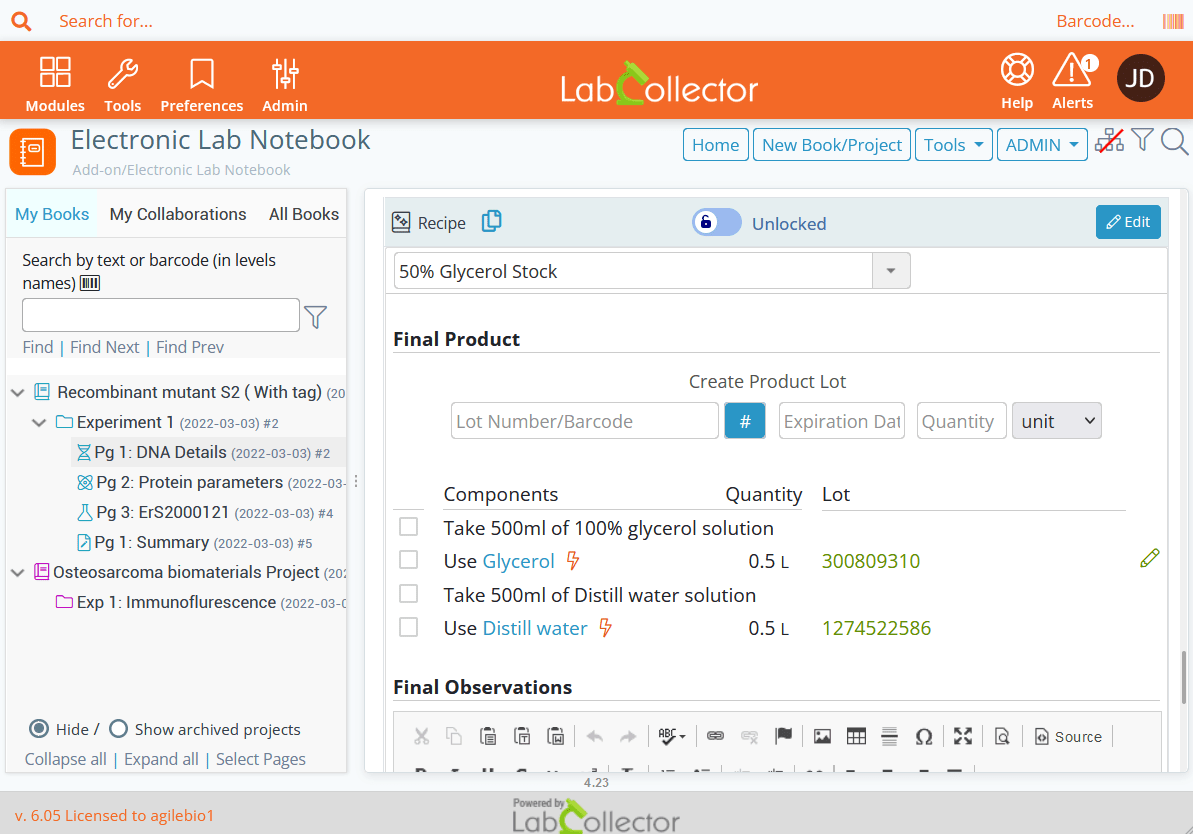
To make ELN friendly to use, template and workflow functions have been integrated into the application:
- Create custom fields
- Create page, reaction, data spreadsheet or flat spreadsheet templates
- Associate workflow to pages
File upload and editing
Upload associated files you need directly on your pages. Edit a file in real-time from LabCollector thanks to the File Connector tool. This software will be installed on your local computer.
Knowledge base: Editing a file using file connector
Advanced search & tree view
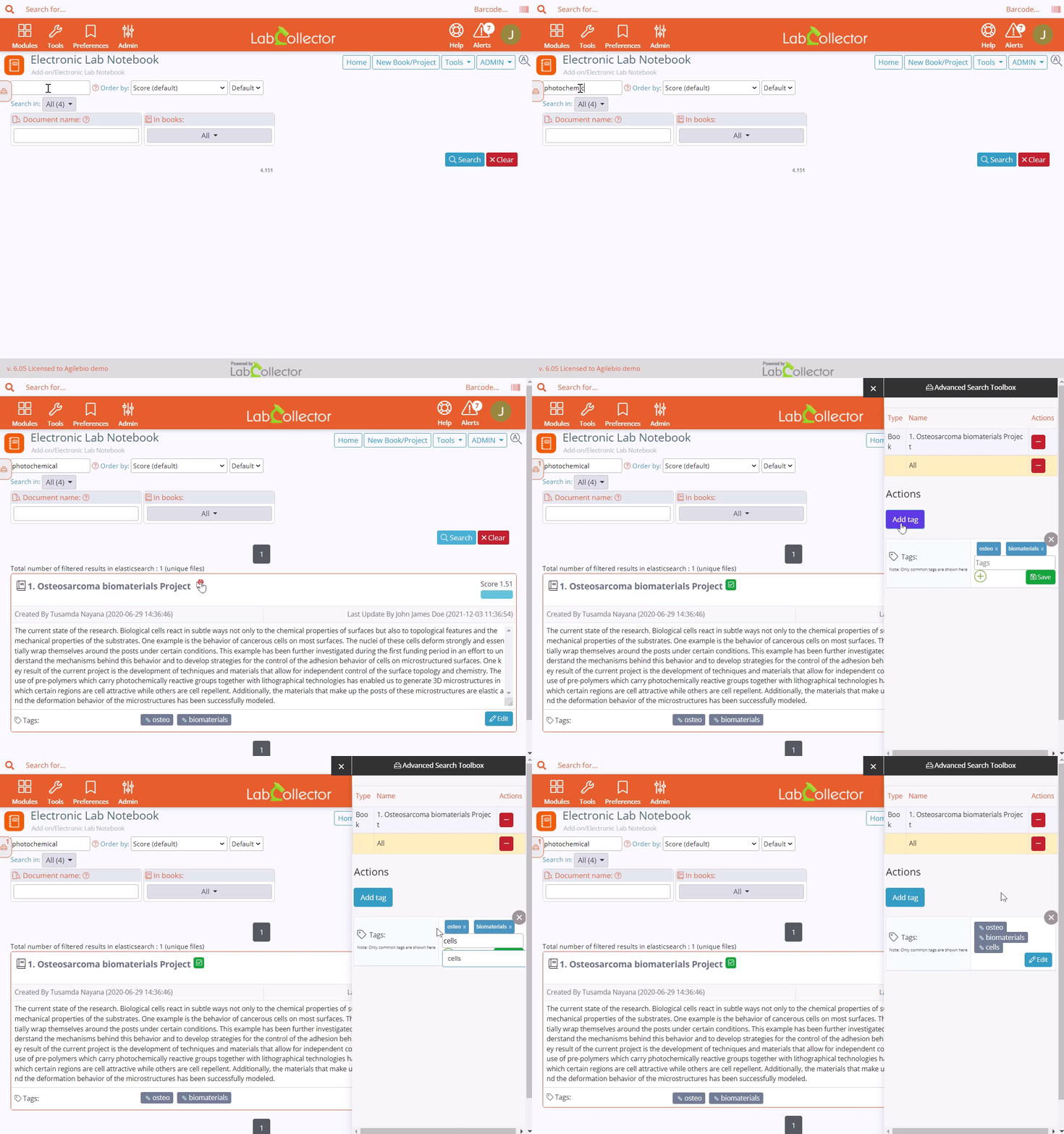
Searching for data in LabCollector is simplified with the “Advanced Search Manager” add-on that allows you to expand the search options in LabCollector using Elasticsearch.
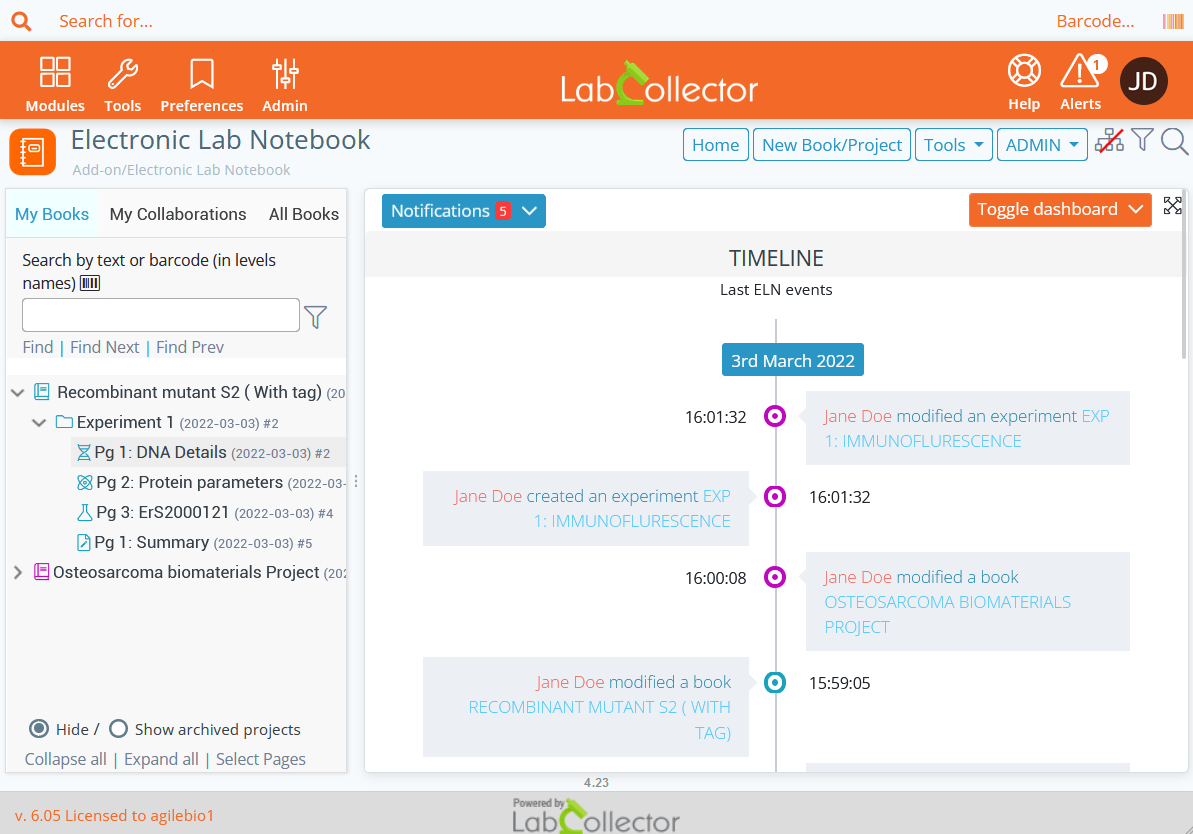
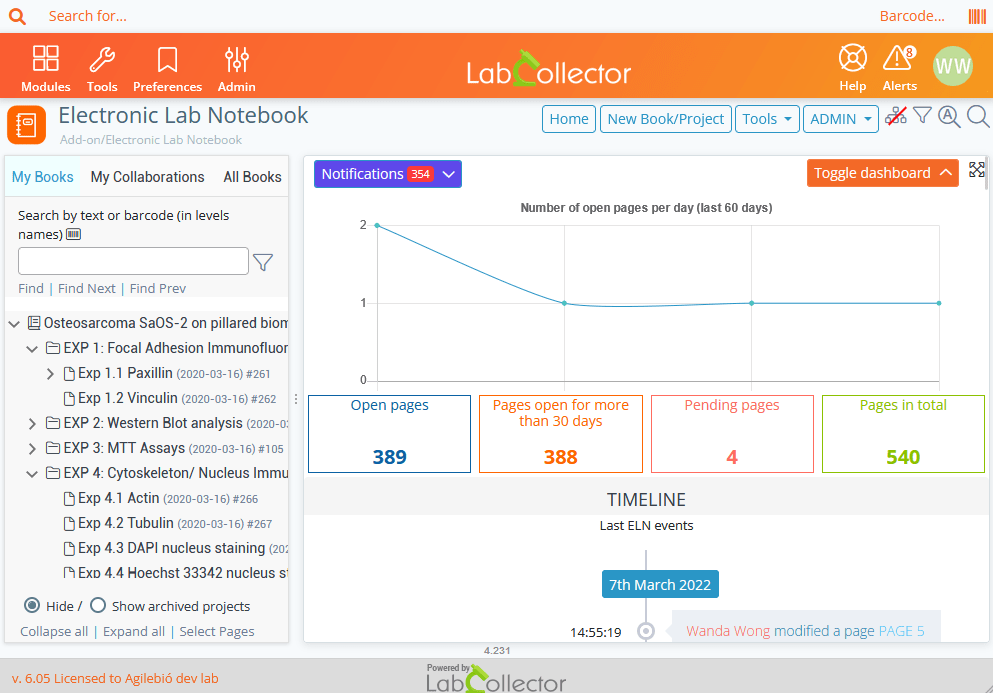
The tree view allows you to see in seconds where your projects are located and to manage them.
Collaborate
Choose to collaborate by sharing books with your team easily.
Knowledge base: How to start with LabCollector?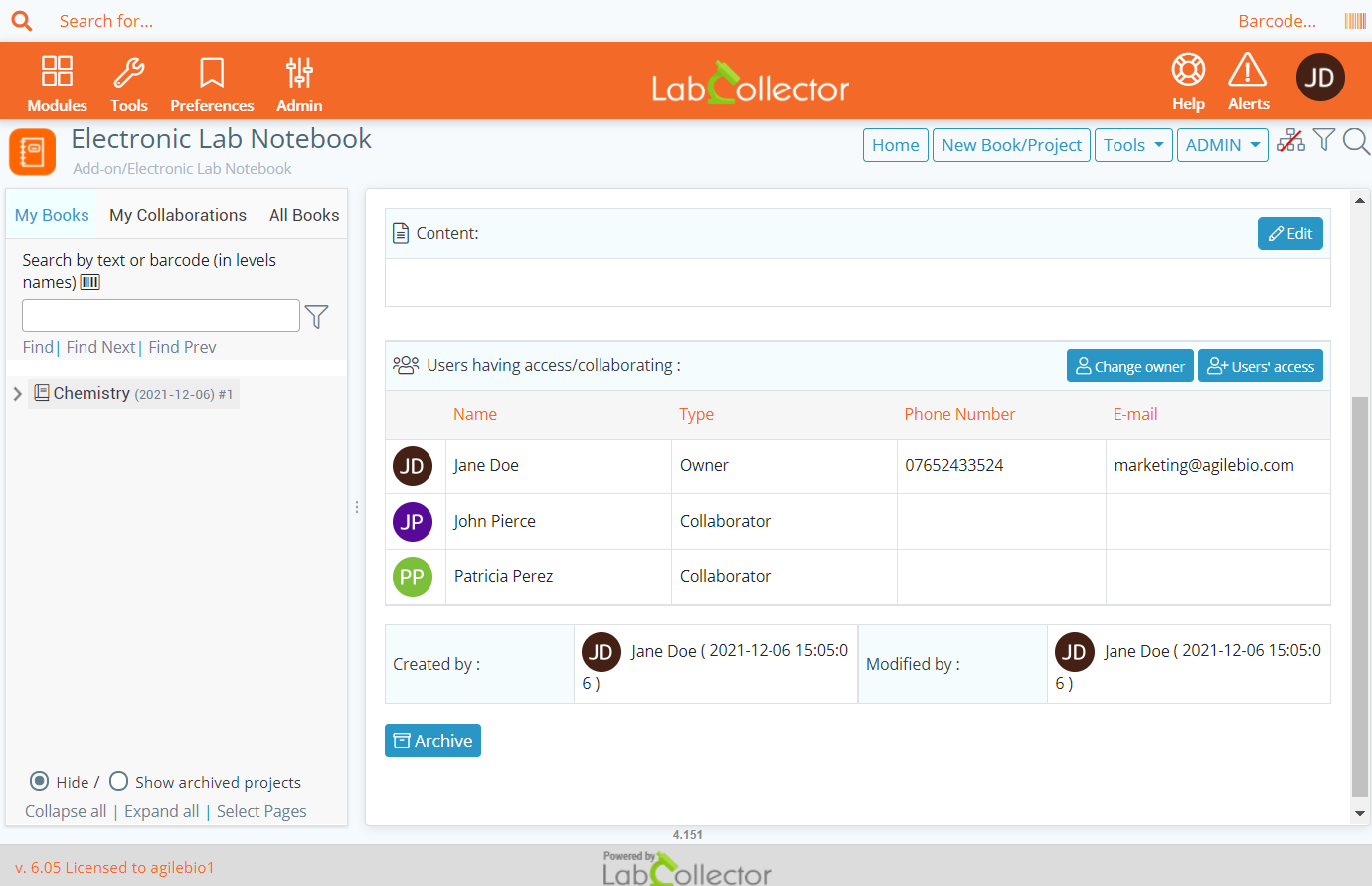
A Secure & Compliant Environment
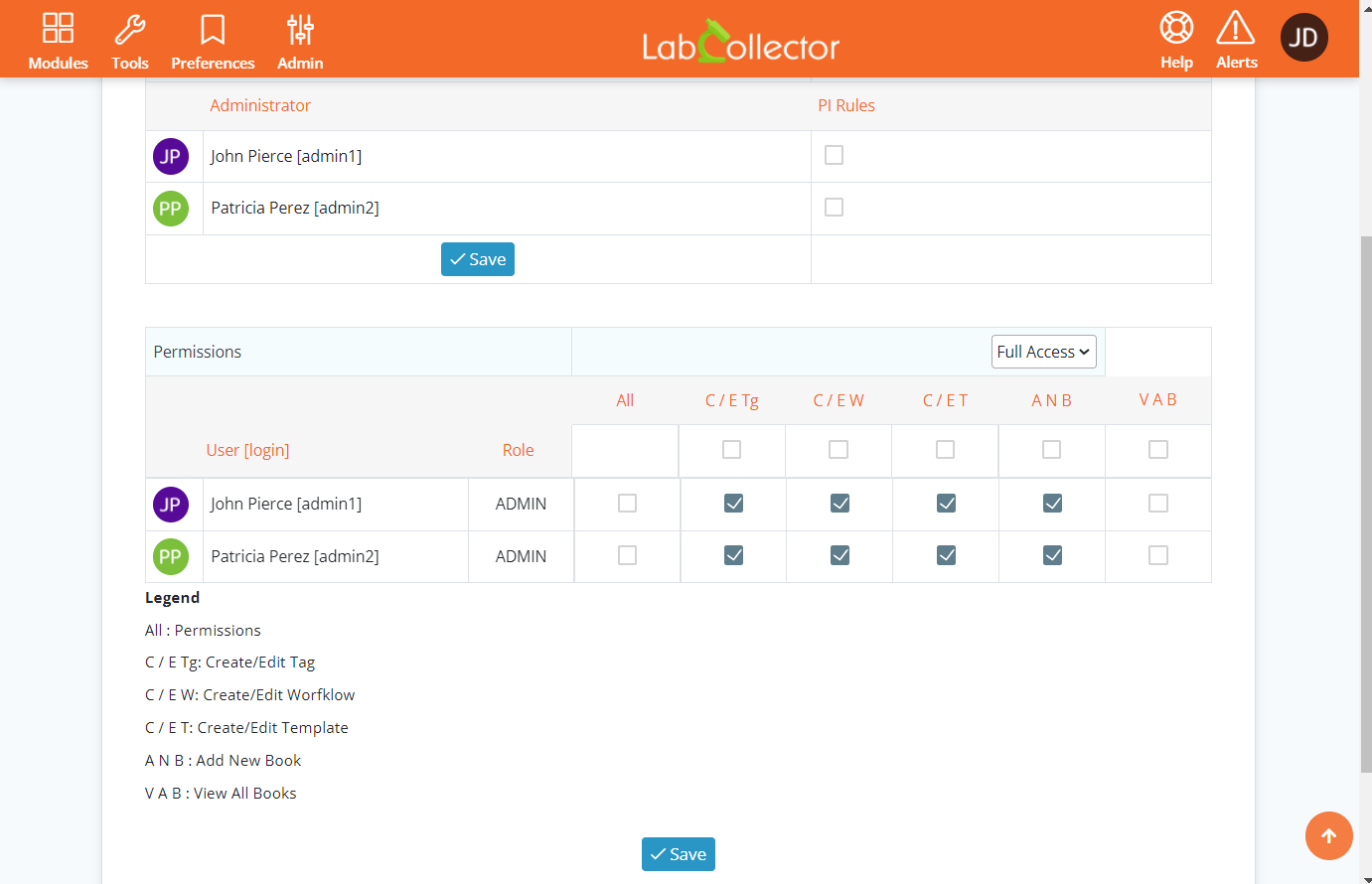
User level permission
Type text like if you were on a Word document. Insert table in the text editor with all the properties you want to simply organize your data.
Knowledge base: ELN permissions
Log History and versioning
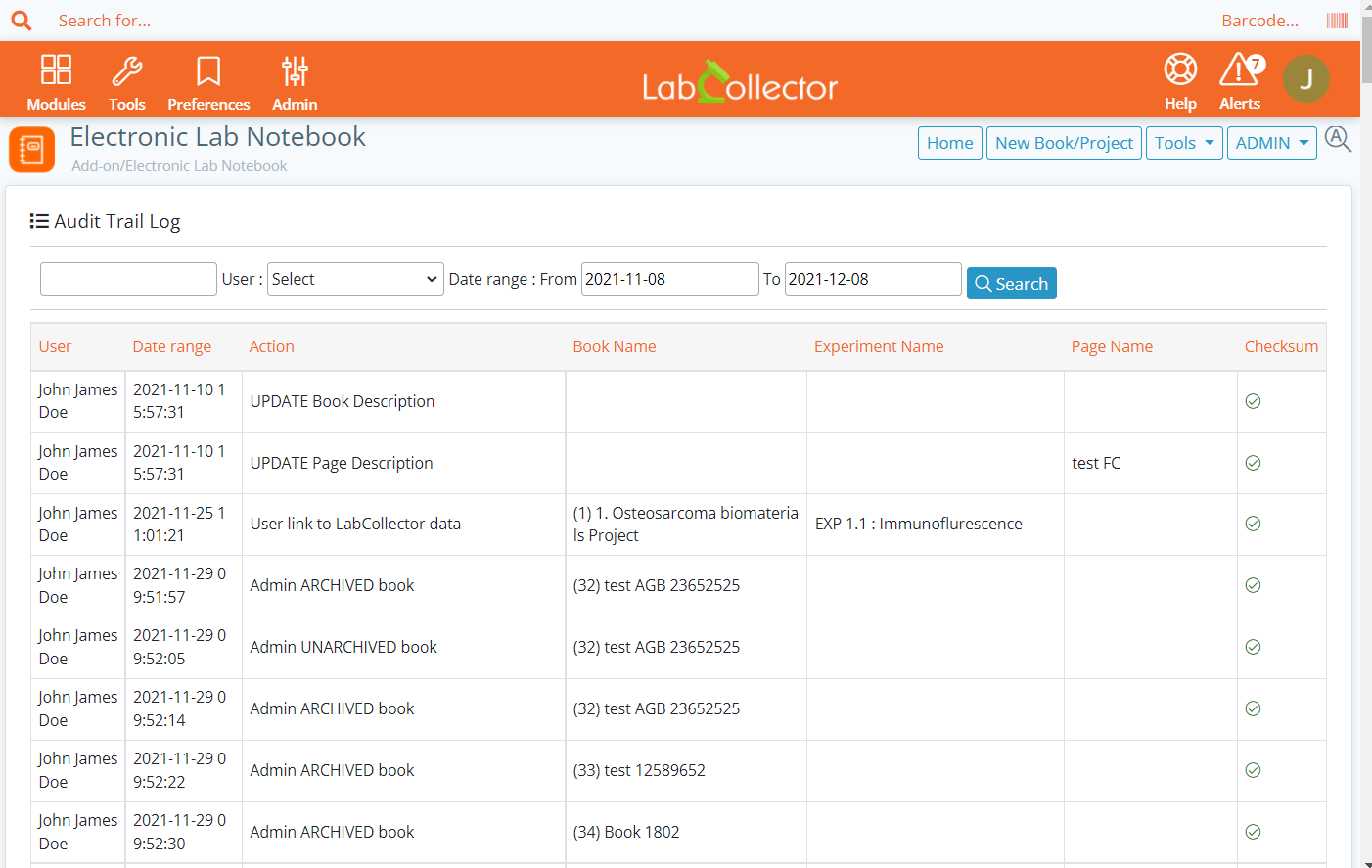
View the history of the different logs with a single click: Audit Trail, Log Activity, Task Time. Never lose any information, by enabling the versioning option for books, experiments and pages. To learn more about all compliance options, click here.
Manual
Time Stamp Authority
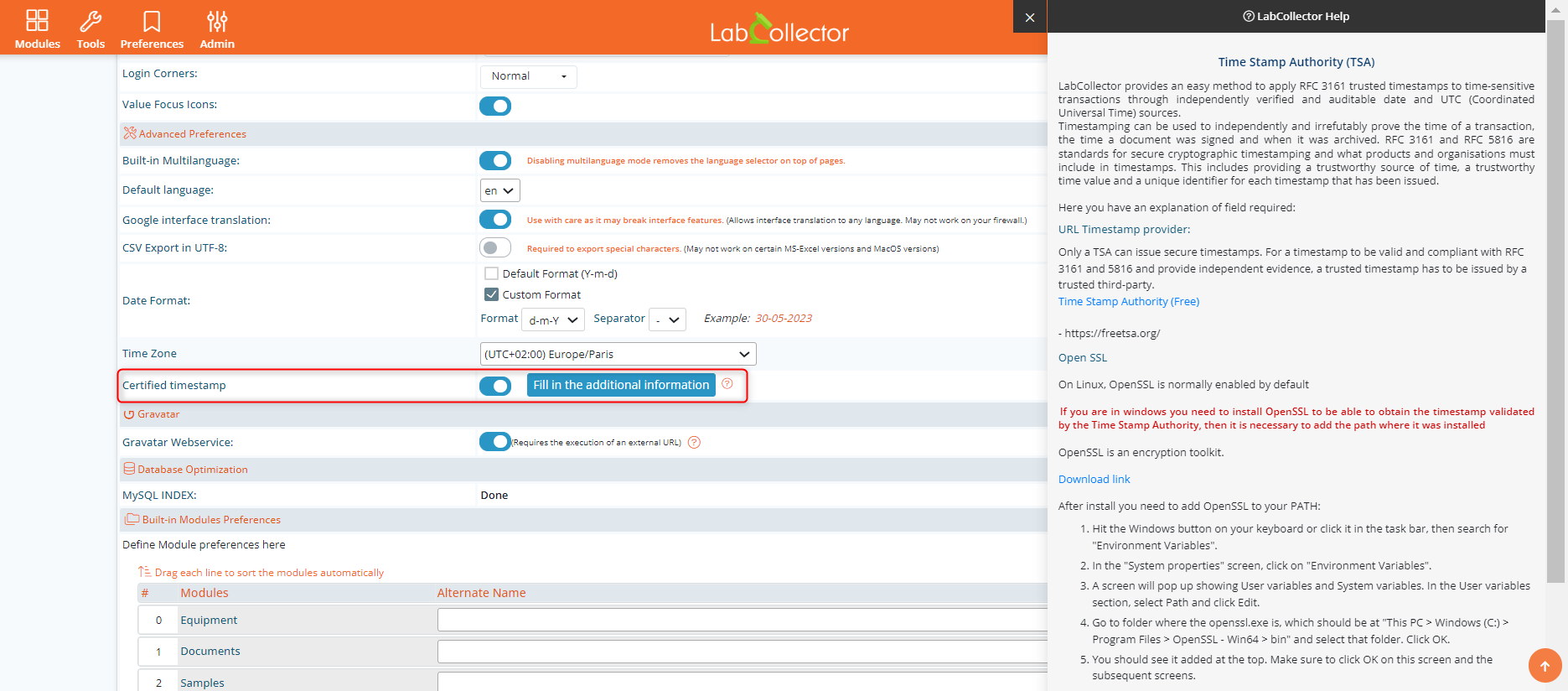
Provides a digital seal of data integrity and a trusted date and time. Recipients of documents with a trusted timestamp can verify that the document or code was not altered after the date the timestamp vouches for.
LabCollector ELN is compatible with RFC 3161 trusted timestamping and eIDAS-oriented signing workflows, allowing signed PDF exports to be processed with an RFC 3161 timestamp token and, where applicable, an eIDAS-qualified trust service provider.
Electronic Signature
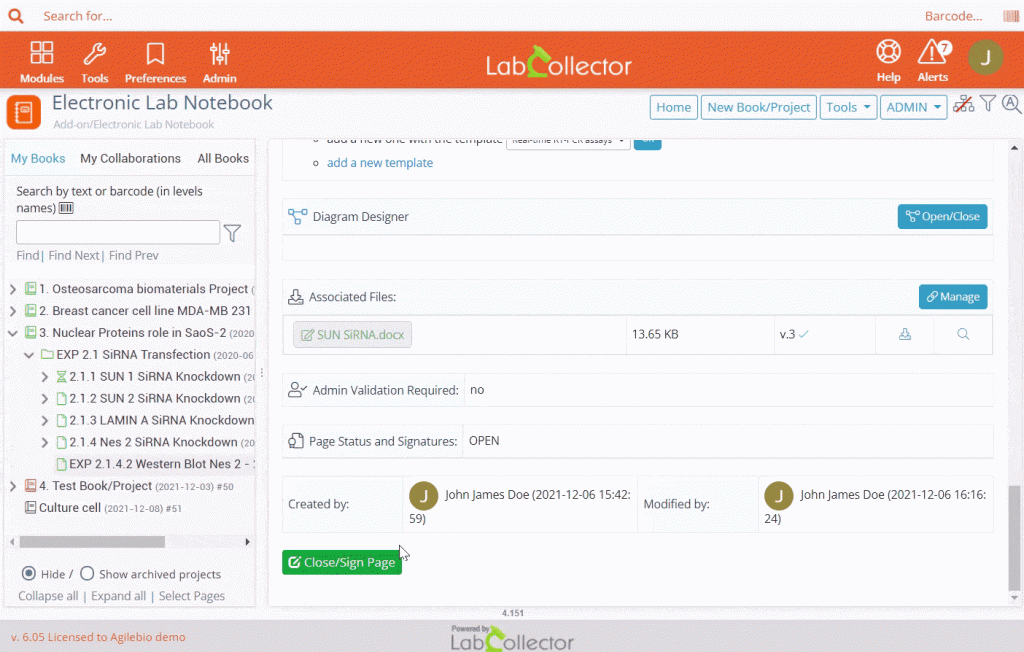
LabCollector ELN includes an easy-to-use electronic signature validation system that verifies data integrity (based on CFR 21 Part 11 and patent requirements). Notebook pages can be signed by both authors and administrator users. Electronic signatures provide proof of the validity of the content at the time of signing. Knowledge base: How to setup digital signature?


Only available in the Compliancy Pack – Contact us for more information
Save & automatic backup
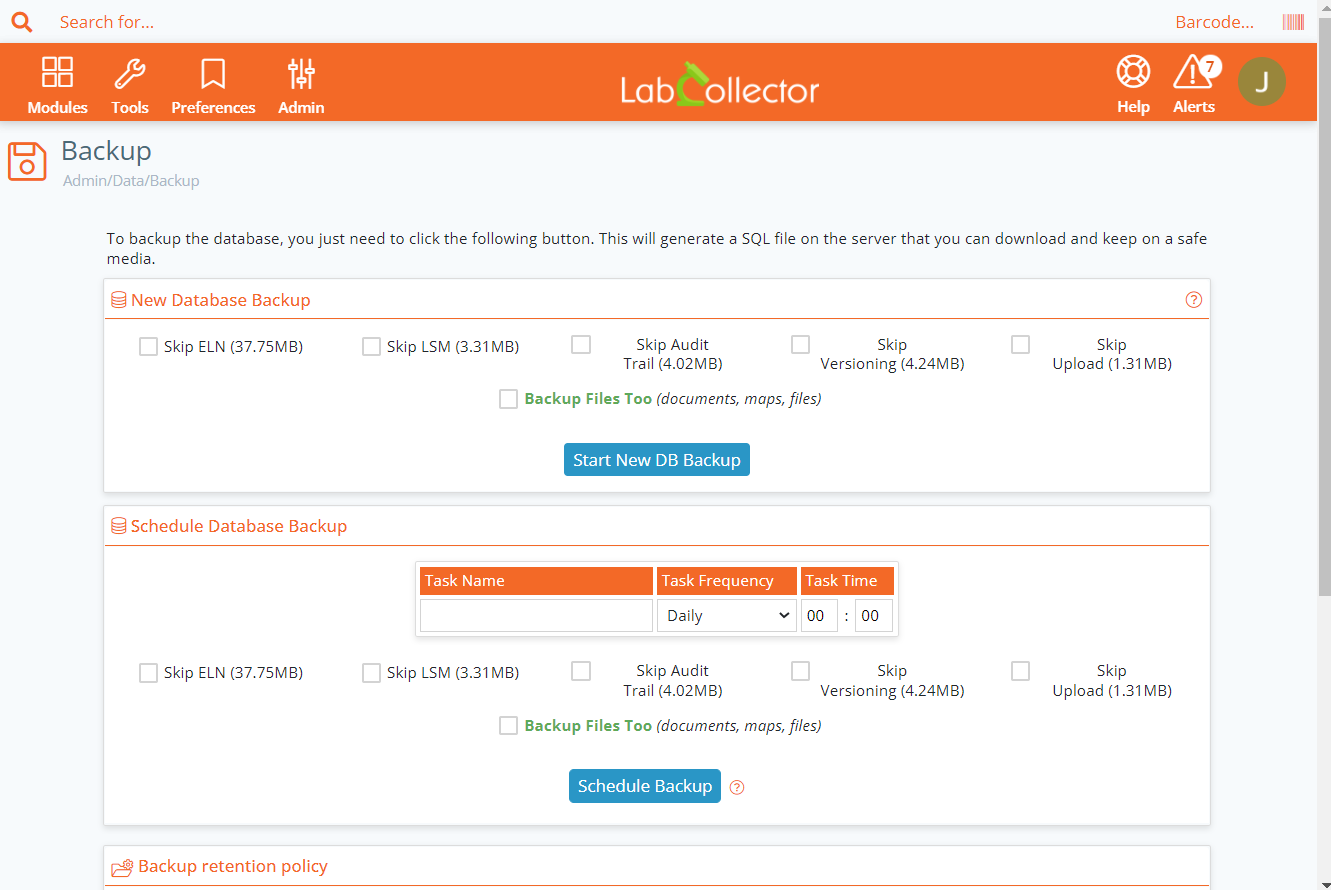
Your data is never lost with an automatic (every 30 seconds) and manual backup that is accessible until you save or cancel your new experiment or page.
Manual
ELN for Chemistry
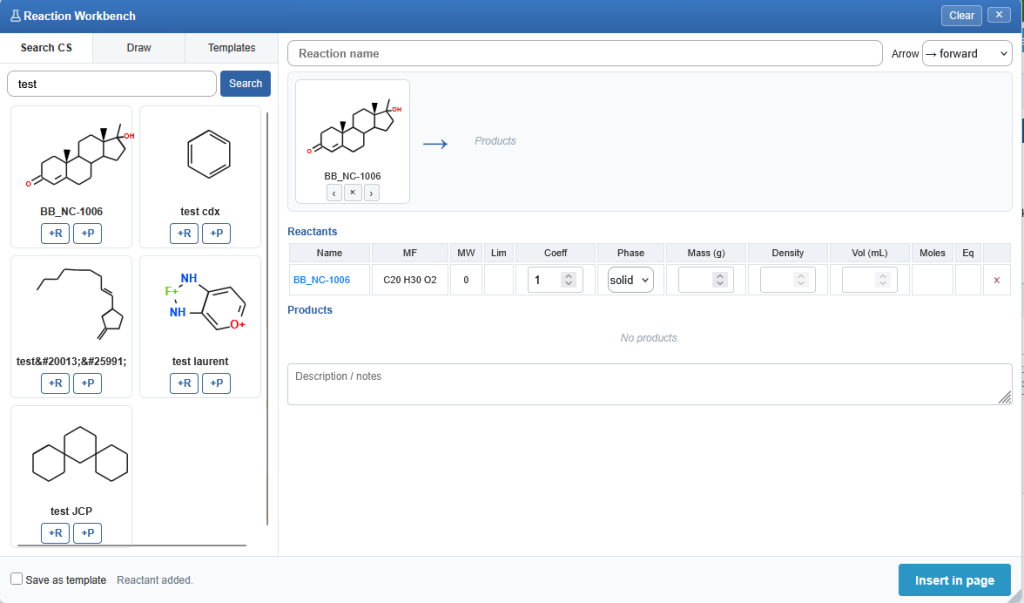
The Electronic Lab Notebook (ELN) for Chemistry provides a centralized and collaborative platform for managing research activities, reaction development, and experimental documentation. Designed specifically for chemistry laboratories, it streamlines R&D workflows by integrating reaction management, chemical inventory tracking, and data traceability within a single environment. Researchers can efficiently document experiments, manage chemical information, standardize procedures, and ensure compliance while maintaining full visibility of materials, reactions, and results throughout the entire research lifecycle.

- Centralized management of experiments, protocols, and research projects in a structured electronic notebook.
- Creation, editing, and documentation of chemical reactions with fully editable reaction schemes.
- Create links to the exact chemicals in your inventory
- Direct integration between reactions and chemical inventory for complete reagent and product traceability.
- Advanced user permissions for viewing, editing, approving, and electronically signing records.
- Reusable reaction templates to standardize procedures and accelerate project implementation.
- Easy import of chemical data through ChemDraw (CDXML) files and reaction SMILES formats.
- Automatic real-time stoichiometric calculations, including molecular weights, concentrations, limiting reagents, and reaction yields.
- Synchronization with chemical structure databases to maintain a complete history of materials and experiments.
- Increased research efficiency by reducing administrative workload and supporting scientific innovation.
- Improved collaboration and knowledge sharing through centralized and searchable experimental data.
- Enhanced inventory monitoring and reagent tracking across laboratory activities.
- Stronger compliance, data integrity, traceability, and audit readiness.
- Web-based solution requiring no additional software or browser plugins.
- Powered by the ELN Chemistry / ChemTools module and the integrated MolEdit engine.
- Legacy reactions remain accessible in read-only mode, while new reactions benefit from enhanced editing, inventory connectivity, and traceability capabilities.
Illustrator AI
The new Illustration Editor in LabCollector ELN enables researchers to create publication-ready scientific figures without leaving their electronic lab notebook. Users can either generate illustrations from natural language prompts using AI or assemble fully editable diagrams from a library of science-specific stencils. By keeping figure creation directly within the ELN, the feature eliminates the need for external design tools, maintains the connection between illustrations and experimental data, and streamlines scientific documentation. This integrated workflow saves time while improving the clarity and quality of research communication.


- – Generate publication-ready scientific illustrations from simple text prompts using AI.
- – Build editable figures with a comprehensive library of science-specific stencils.
- – Create and modify diagrams directly within the LabCollector ELN environment.
- – Keep illustrations linked to experiments for easier documentation and traceability.
- – Improve productivity by reducing reliance on external graphic design software.
Complete your ELN solution
Zoho: With this Excel-friendly interface, create tables, graphs and use all kinds of mathematical formulas easily.
Mobile App
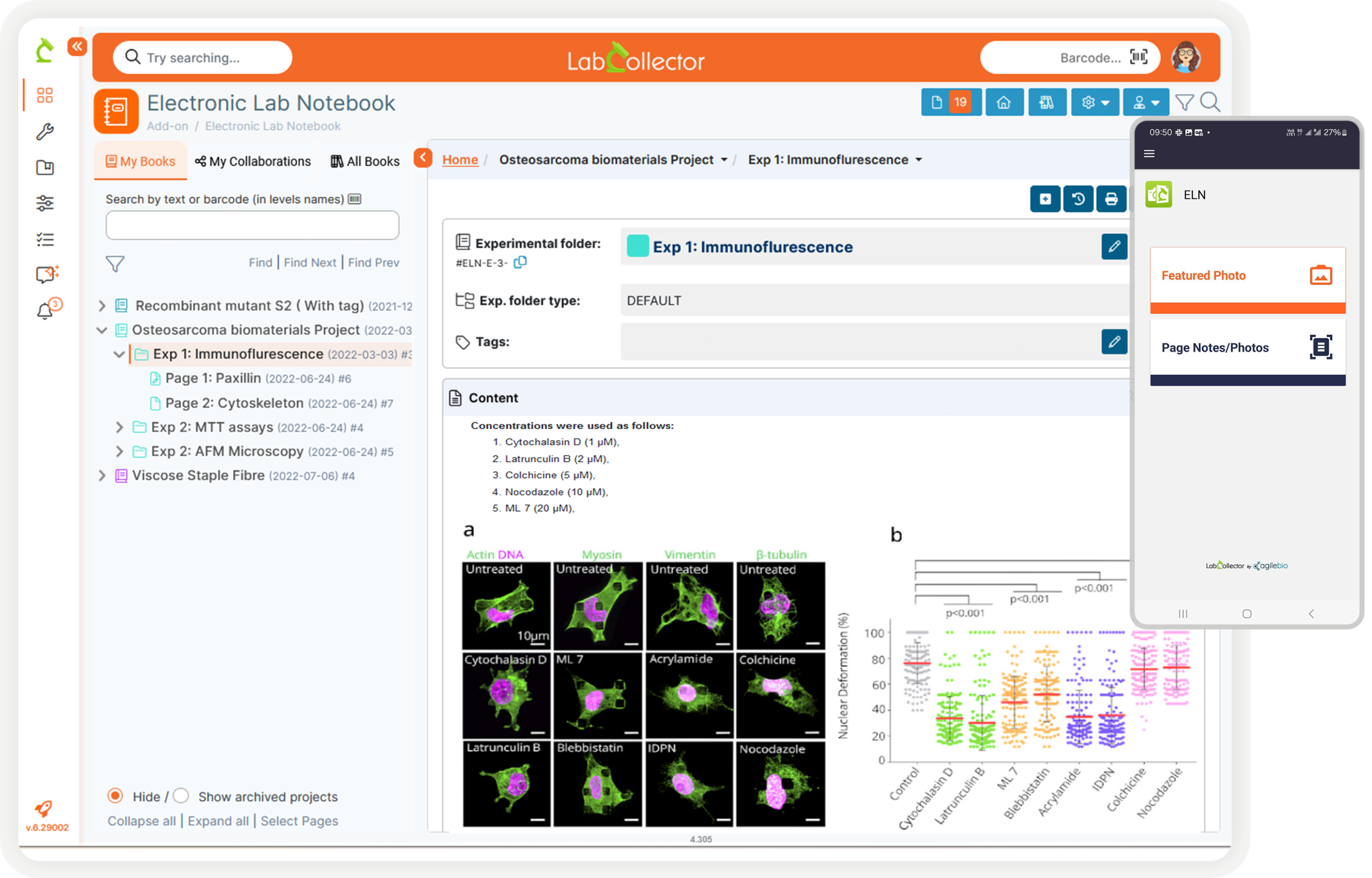
LC ELN App provides a quick document scanner service to be used by ELN users. Each user can configure their LC ELN App with the LabCollector API token and user id to send to their own pages.
Knowledge base: How to use LC ELN App?
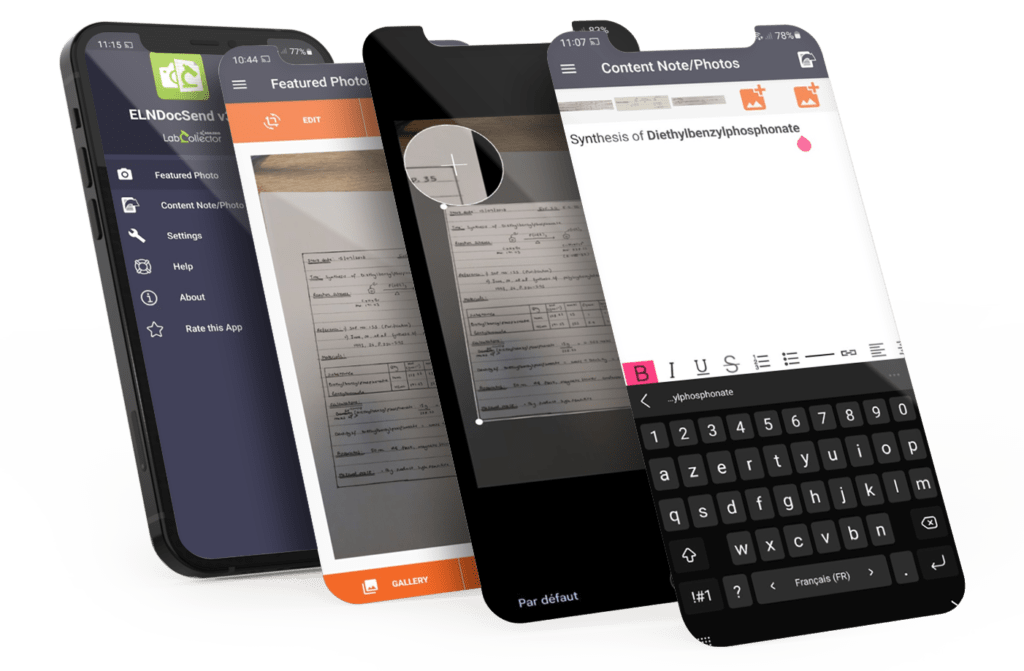
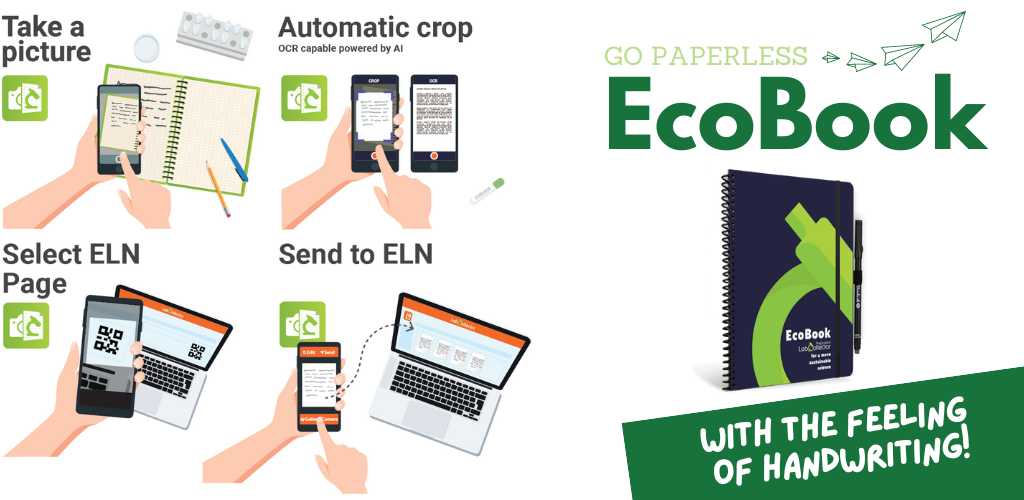
Image Gallery


They trust in our ELN










Join over 150 labs using LabCollector e-Lab Notebook