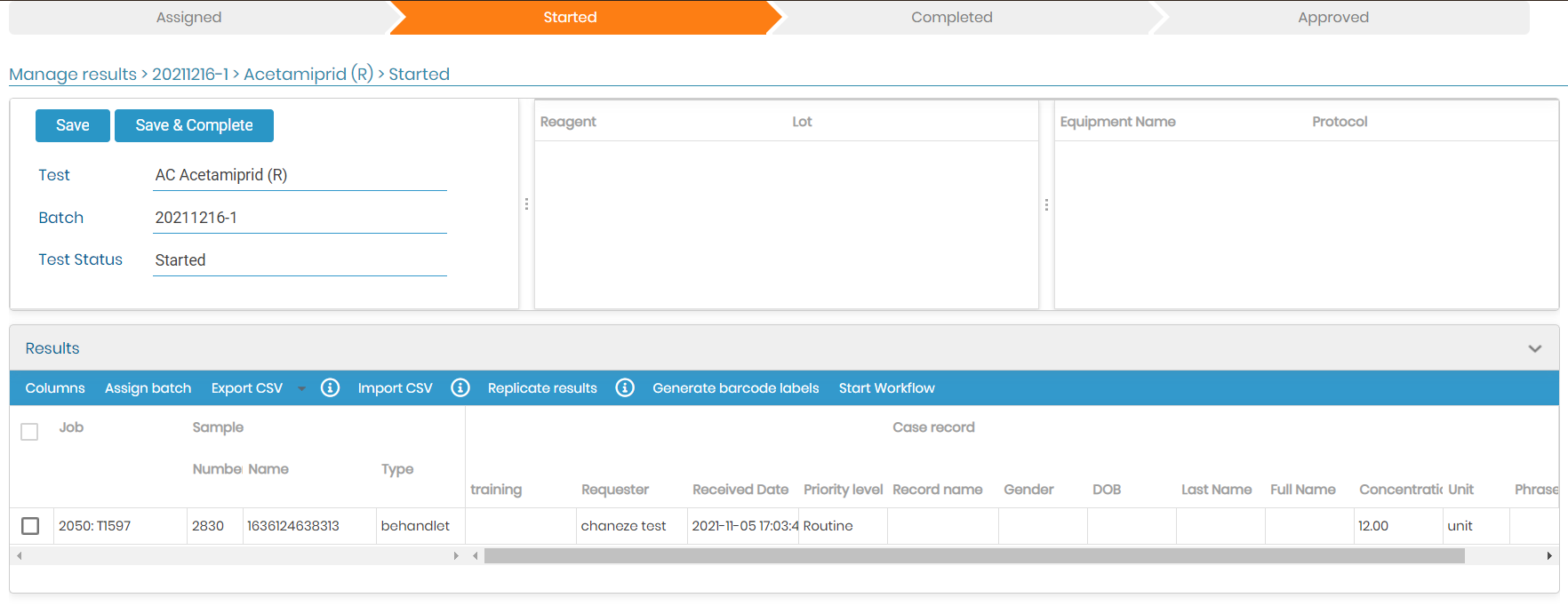
5.3 Batch List
The Batch List found from Job > Batch List provides a list of assays/batches/samples that have been assigned to a batch. This view provides a list that can be filtered and sorted by assay, batch, number of pending samples and total samples. You may filter and sort based on multiple columns.
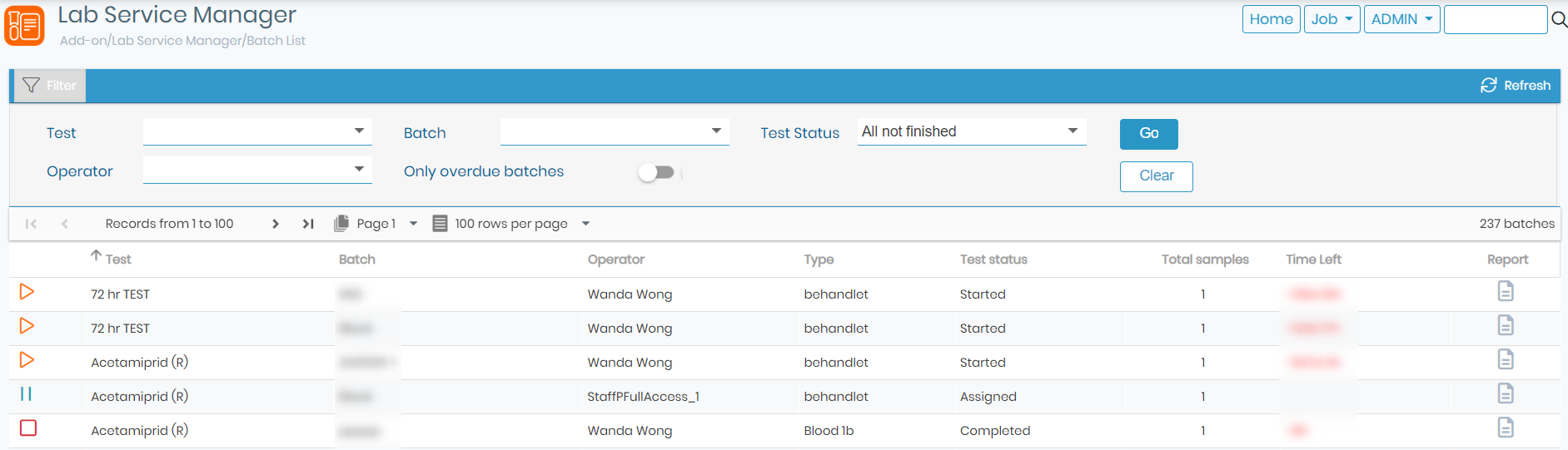
Clicking on a row brings up a popup that allows you to edit the corresponding data for the selected batch.