5.4 New Samples List
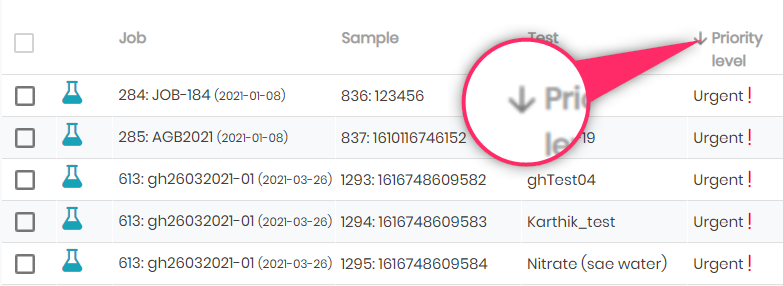
The Samples Lists found from Job menu (New, Pending or Canceled) provide a list that includes columns that may be searched, filtered, or sorted for Job, Sample, Test, Priority, Expected (date), Customer, Operator, Batch, and flagged samples. Sorting by ascending or descending order is done by clicking on the column header, after which an arrow will indicate the sorting preference:
The new samples list allows having all the new samples independently of the job or the test. You can start the process one by one by clicking the sample or assign a batch, modify the status and do multiple assignments on multiple samples.
The pending samples list allows you to have in one list all the samples from which the test is started and in progress.
The canceled samples list allows you to export the entire list of canceled samples.