5.5 Pending Samples List
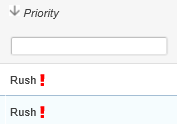
The Pending Samples List found from Job > Pending Samples List provides a list that includes columns that may be searched, filtered, or sorted for Job, Sample, Test, Priority, Expected (date), Customer, Operator, Batch and flagged samples. Sorting by ascending or descending order is done by clicking on the column header, after which an arrow will indicate the sorting preference:
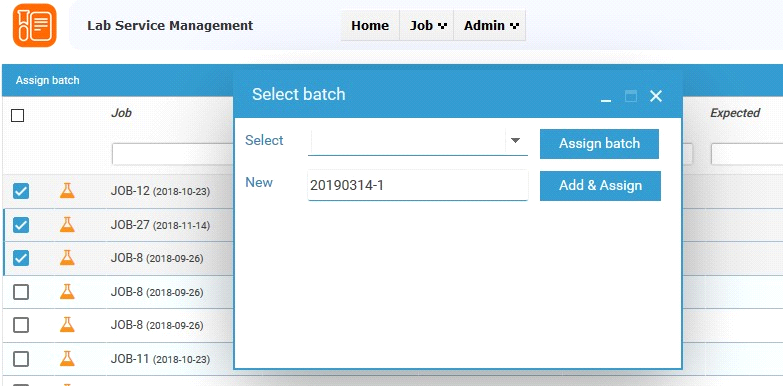
Pending samples can be assigned to batches one-by-one or by multiple selection (check the box at the left of the job name). From the pop-up the samples can be assigned to an existing batch or a new batch can be created. A newly entered value for the batch will replace an existing value.